Documentation Index
Fetch the complete documentation index at: https://docs.datura.ai/llms.txt
Use this file to discover all available pages before exploring further.
Create an API Key
Navigate to API Keys
After logging in to Desearch Console, go to the API Keys page. Generate New Key
- Click on the “Generate API Key” button.
- Give your key a name for easy identification.
- Click on the “Generate” button to create the key.
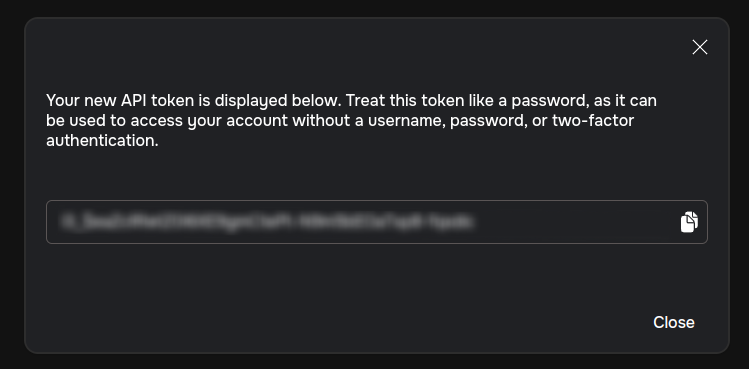
- Copy the key immediately and store it securely. You will not be able to see it again.
Keep your API key confidential. Do not share it publicly or expose it in client-side code. If compromised, it could result in unauthorized access to your account
Using Your API Key
To authenticate requests, include your API key in the Authorization header.
curl --location 'https://apis.datura.ai/desearch/ai/search' \
--header 'Authorization: dt_$UZA25rX0jLD654y7AGswWvqABCeJHFiCLqqBWPF6abc' \
--header 'Content-Type: application/json' \
--data '{
  "date_filter": "PAST_24_HOURS",
  "model": "NOVA",
  "prompt": "Latest TAO trends",
  "streaming": true,
  "tools": [
    "Twitter Search"
  ]
}'
Managing Your API Key
Regenerate Key: If your key is compromised, revoke it and generate a new one.
Delete Key: Remove unused keys to enhance security.
Important API Key Security Practices✅ Keep your API key secret.✅ Use environment variables to store keys securely.✅ Implement rate limiting and monitoring for API usage.